Part Time Baker
Selling on the side? Remove the limits and add the planner and invoicing so orders, deadlines and payments stay organised.
Import Recipes
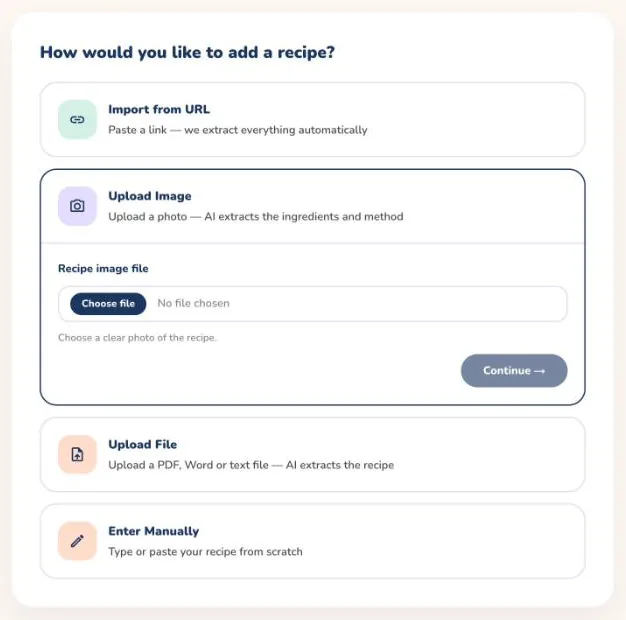
Bring recipes in from a website link, a photo or a file and review them before saving, instead of typing them out.
- Paste a link to a recipe on any website and the ingredients and method are filled in for you.
- Upload a photo or a file of a handwritten or printed recipe and the text is read automatically.
- Check and correct everything on a review screen before it is saved to your collection.
Recipe storage
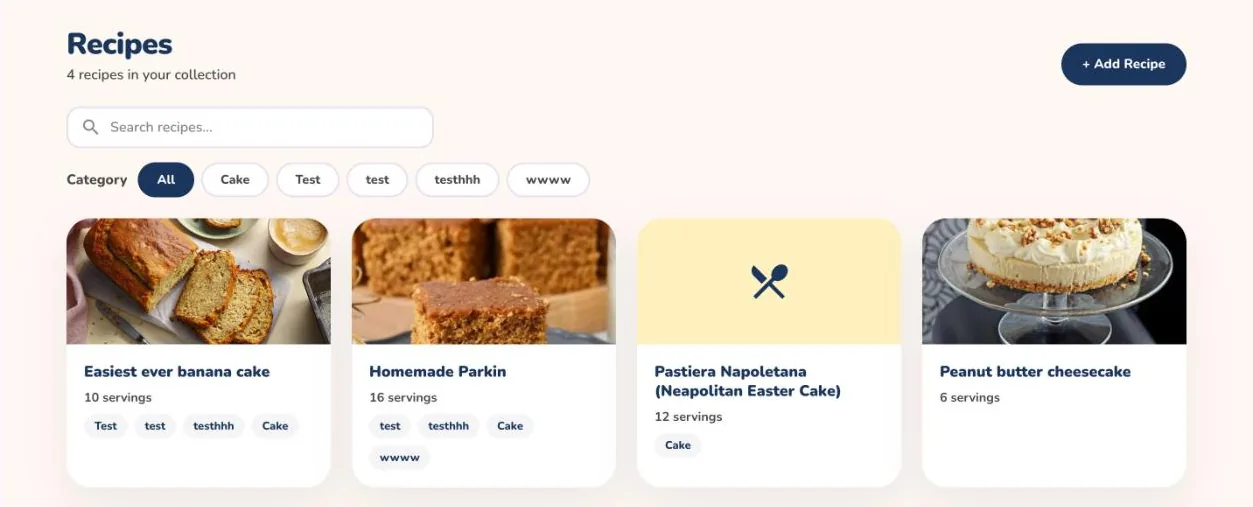
Keep every recipe in one searchable list, organised into categories you choose.
- Search your whole collection by name in seconds.
- Group recipes into your own categories, such as cakes, bread or wedding orders.
- Open any recipe on your phone in the kitchen or on the web at your desk, always in sync.
Recipe Scaling
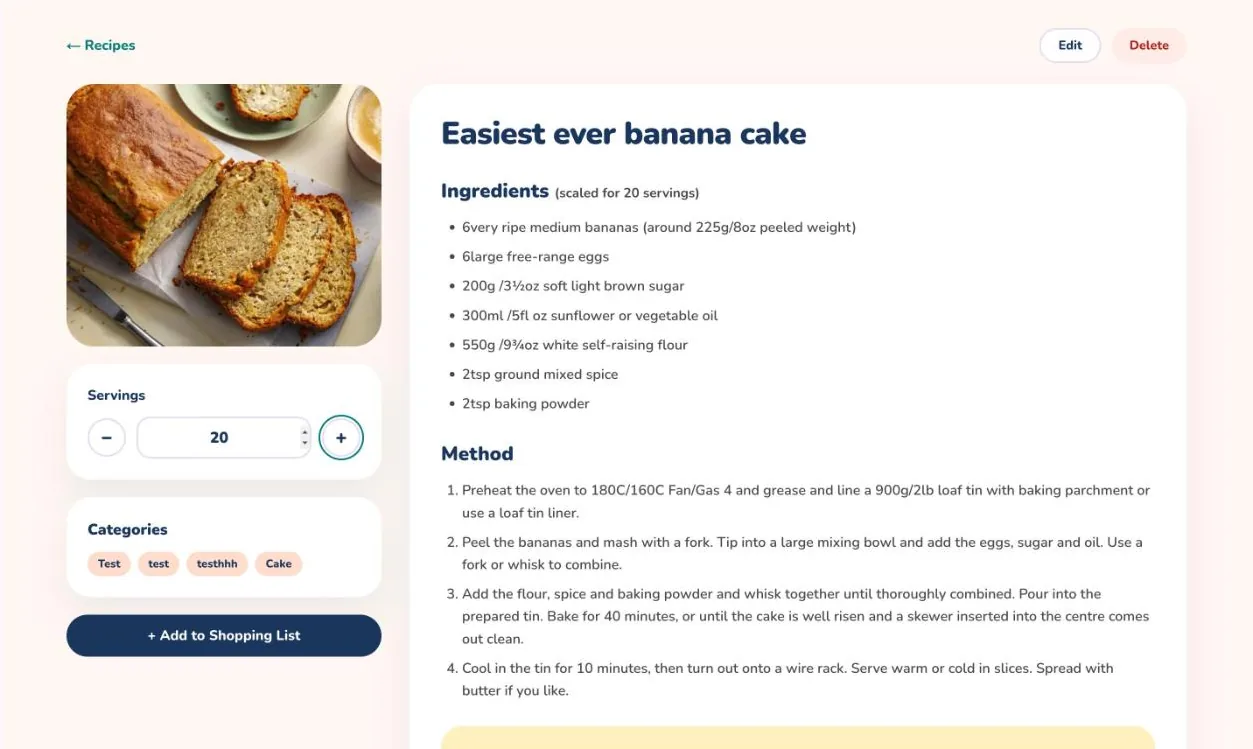
Scale any recipe up or down by servings and the ingredient quantities are recalculated for you, including tin sizes.
- Change the number of servings and every ingredient quantity updates instantly.
- Switch to a different tin size or shape and the recipe adjusts to match.
- Scale up for a large order or down for a test bake without a calculator.
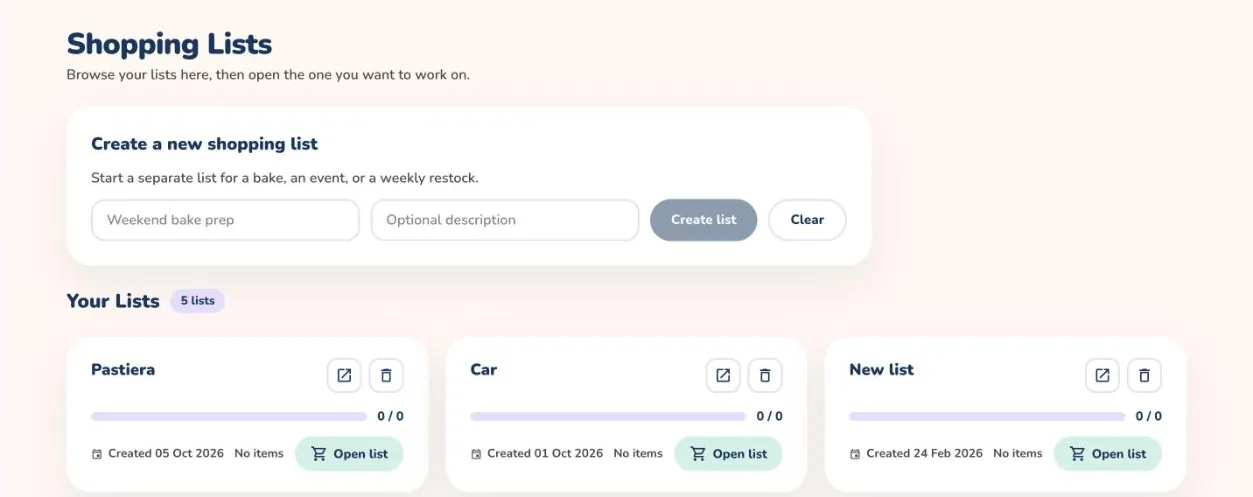
Shopping list
Add the ingredients of one or several recipes to a shopping list and tick items off as you buy them.
- Add ingredients from one recipe or several at once, and matching items are combined.
- Keep separate lists for different shops or different orders.
- Tick items off as you shop, on your phone or on the web.
Pricing Calculator
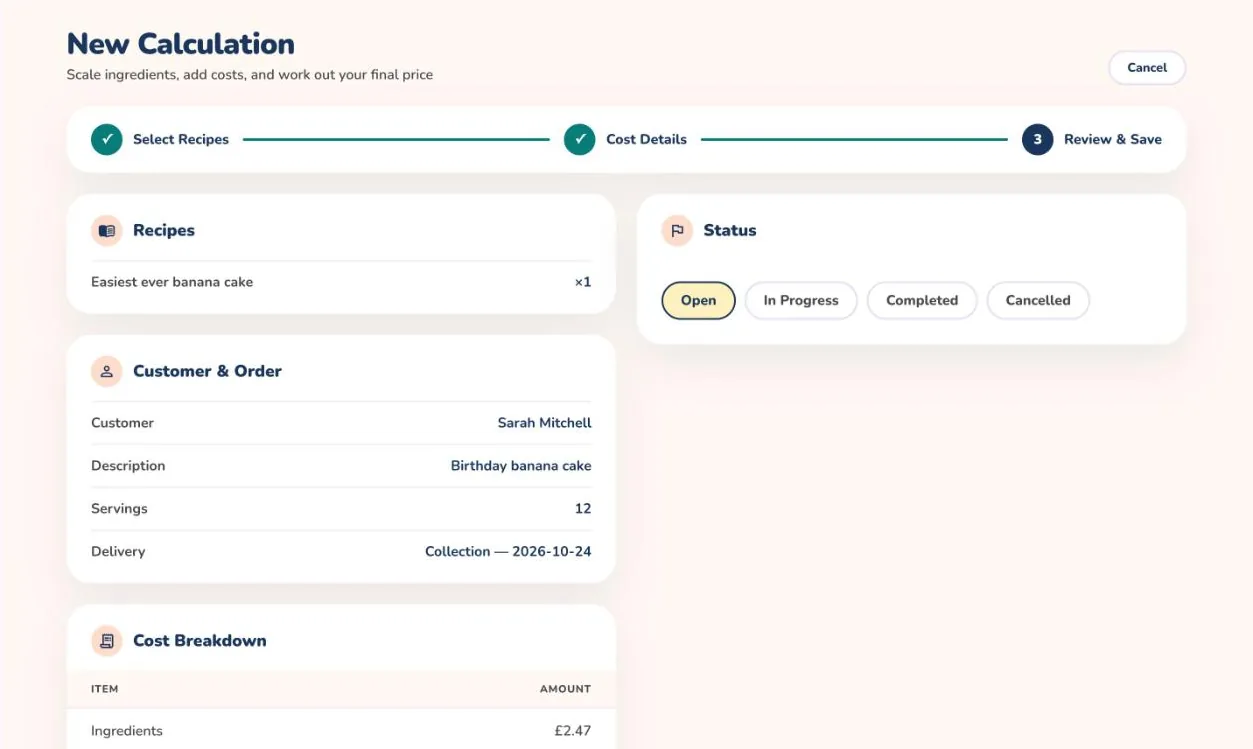
Add up ingredients, time, packaging and overheads to see what a bake costs and what to charge for it.
- Choose the recipes in a bake and the ingredient costs are brought in for you.
- Add your time, packaging, delivery and overheads using your own hourly rate.
- See the total cost and a suggested price, then save the calculation to come back to later.
Planner
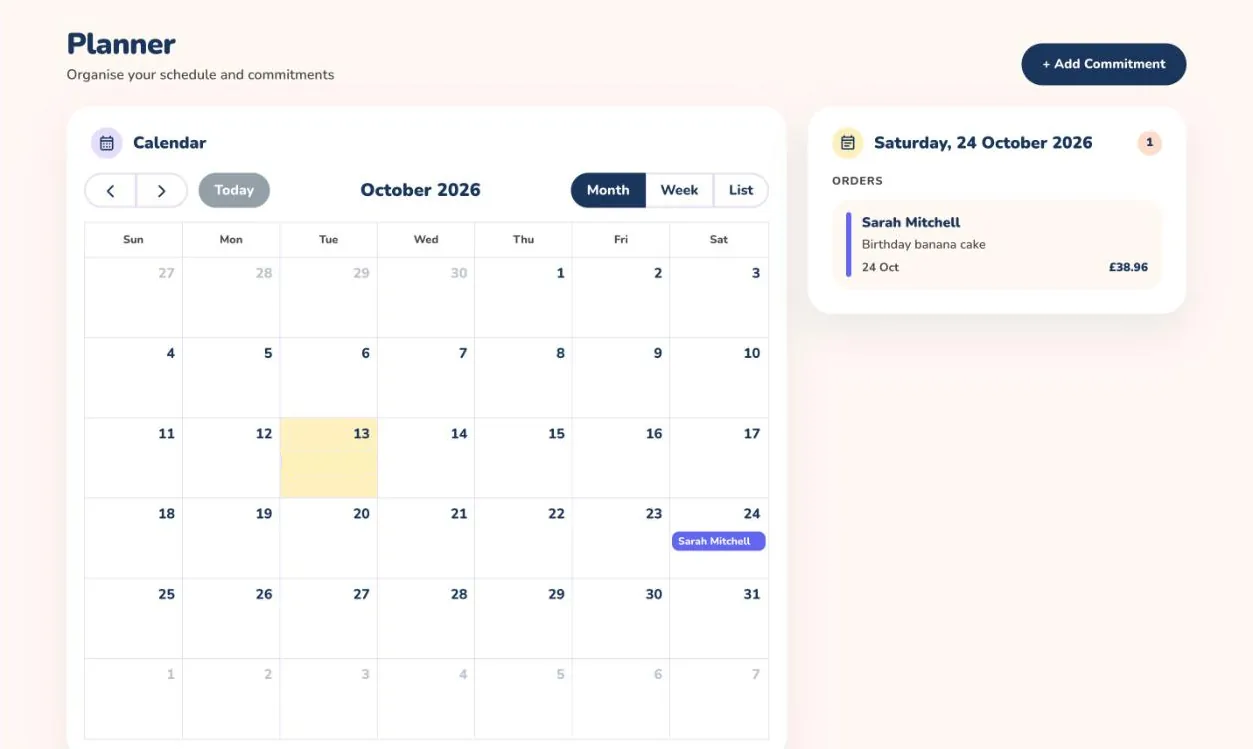
See your orders and commitments on a calendar so you never double-book a busy weekend.
- See every order and commitment on a calendar by day, week or month.
- Add a commitment with a date and time and any notes you need.
- Spot a clash before you agree to a new order on an already busy weekend.
Invoicing
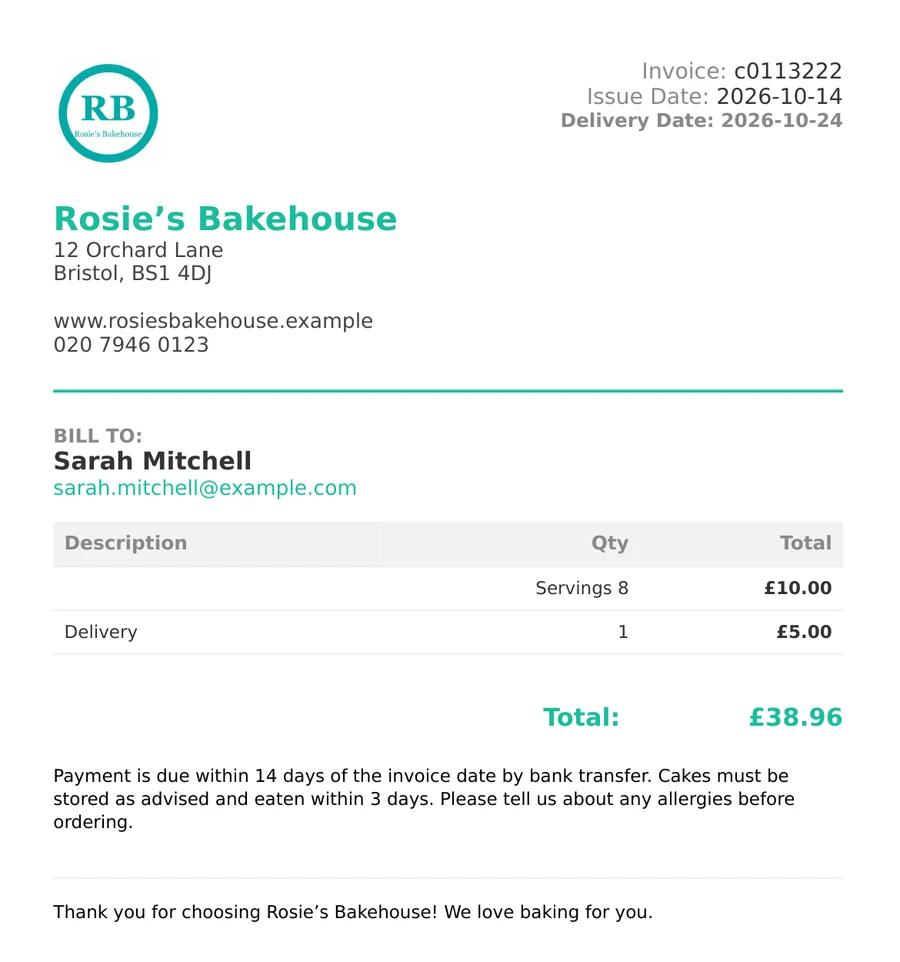
Turn a priced order into a branded invoice and send it to your client by email.
- Create an invoice from a saved price calculation with one tap.
- Add your business details and choose a template so every invoice looks like yours.
- Preview the invoice, then email it to your client straight from the app.